The BitLocker in Windows 7 helps you to protect your USB or a hard disk drive by password strongly. It actually encrypts all the data of the a drive. So if you want to remove the password from that drive, encrypted previously, you have to decrypt it using the Bit Locker. This article is written to show you how to decrypt an encrypted drive by BitLoker in Windows 7 without losing any data.
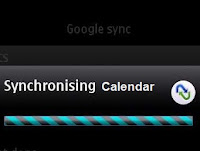
Sync your Nokia S40 Calendar with Google Calendar
Google synchronize allows a device to sync its contacts as well as its calender . On a mobile device the calendar is the second, somewhere...
-
 By connecting flash drives to the affected computer, often it shows flash drive containing just some folder's shortcuts. Sometimes it sh...
 -
 Adding a new image or changing the existing mp3 album image is really a fun! But many of our friends don’t know how doing that simple task. ...
 -
Now-a-days mobile is a very important and carries various important data in it. The most important is the Address Book/Phone Book. Today’s m...
